Endurance theme documentation
Set up your store,
one lap at a time.
Guides, settings and screenshots for every part of Endurance, from the first install to the last detail of your product page.
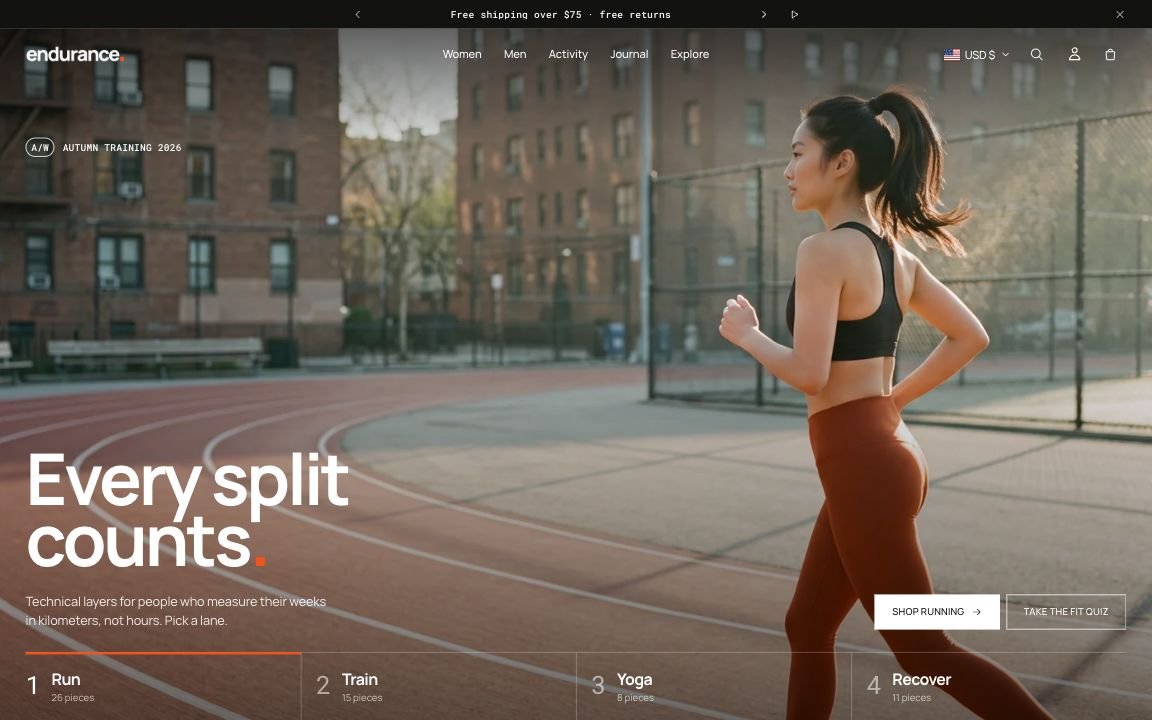
Your first hour
- InstallAdd Endurance from the Theme Store and open Edit theme.
- Brand itLogo, color schemes and fonts in Theme settings.
- Build pagesAdd your products, photos and words to the sections you need.
- Check phonesPreview on mobile, then publish.
Browse by topic
10 groupsTheme settingsLogo, colors, fonts, buttons, motion, product cards and the cart.All sectionsSectionsWhat each one does, with screenshots, settings and tips.Product pageProduct pageBuy box blocks, size guide, delivery estimate, countdown.NavigationMenus and headerHeader layouts, mega menu and the mobile menu.Product dataMetafieldsFabric, fit, pockets: the data behind the product page.ShoppingCollections and cartFilters, sorting, the cart drawer, rewards bar and other pages.Selling abroadLanguages and marketsTranslations, currencies, country selector and right-to-left languages.HelpFAQ and fixesImage sizes, common questions and troubleshooting.
Still stuck?
Contact supportSend us a screenshot and your store link. We reply within two business days.