Sections / Page templates
Search results
Search results with tabs for products, journal posts and pages, filters and sorting for products, suggested searches, a fallback product row when nothing is found and a help box. It is used for the search page. Set suggestions and a fallback collection so no search ends empty.
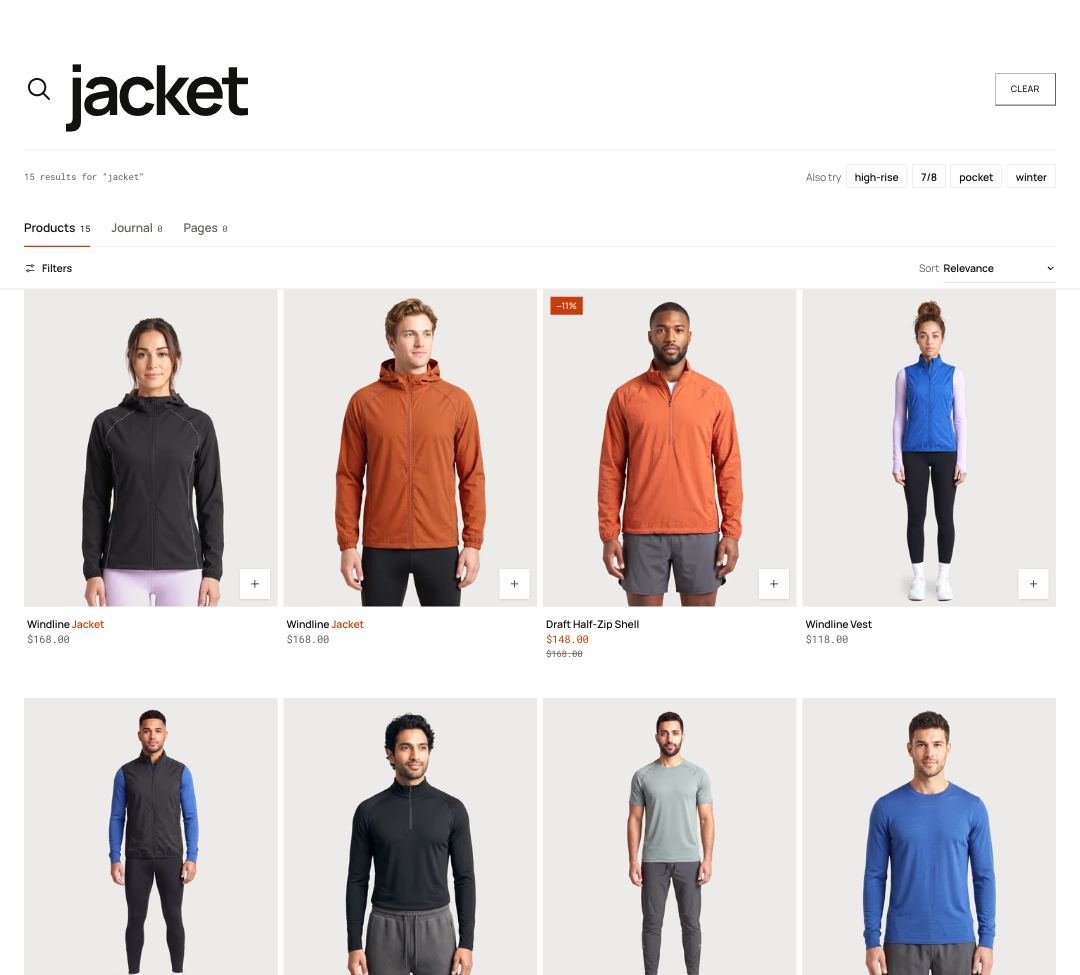 Storefront · desktop
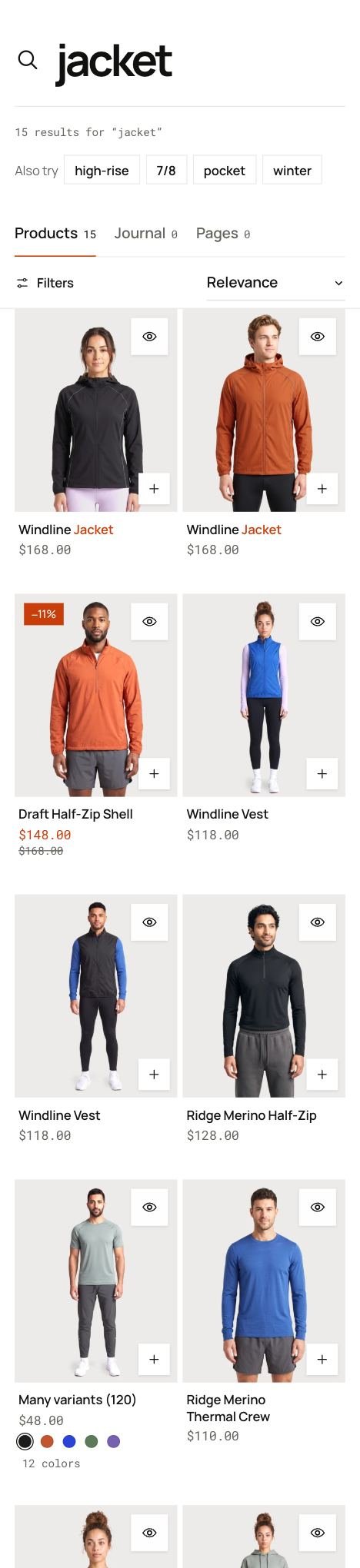 Storefront · phone
Add the section

Search results selected in the theme editor: its blocks in the list on the left, its settings on the right.
This section is part of a page template (search), so it is already in place. Open that template in the theme editor and select the section to change it.
In the demo store: search.

Section settings
| Setting | Type | Default | What it does |
|---|---|---|---|
| Results per page | Slider 8–48 | 24 | |
| Columns on desktop | Choice | 4 columns | Options: 3 columns, 4 columns, 5 columns. |
| Columns on phones | Choice | 2 columns | Options: 1 column, 2 columns. |
| Pagination | Choice | Previous and next | Load more and infinite apply to products; stories and pages keep Previous and Next. Options: Previous and next, Load more button, Infinite scroll. |
| Search box width | Choice | Full | Options: Full, Reading width. |
| Suggested searches | Text | high-rise, 7/8, pocket, winter | Comma separated. Shown as quick searches beside the results and in the help box. |
| Popular heading | Text | Popular right now | |
| Products when nothing is found | Collection | — | Shown on searches without results. |
| Show matching journal stories under products | Checkbox | On | |
| Heading | Text | From the journal. | |
| Help box | |||
| Show help box | Checkbox | On | |
| Color scheme | Color scheme | Scheme 4 | |
| Label | Text | Not it? | |
| Heading | Text | Can't find what you need? | |
| Text | Text | Try a popular search, browse by lane, … | |
| Button label | Text | Ask the team | |
| Link | Link | — | |
| Links heading | Text | Shop by lane | |
| Quick links | Menu | — | |
Tip Pick a collection under Products when nothing is found to show 4 products on searches without results.
Tip Matching journal posts can show under product results, so shoppers find your guides too.
Limitations and troubleshooting
- Filters only show for product results and come from the Search and Discovery app.
- Quick links in the help box show the first 4 links of the menu.
Related: Product grid · 404 page
Was this page helpful? No, ask support
Still stuck?
Contact supportSend us a screenshot and your store link. We reply within two business days.